

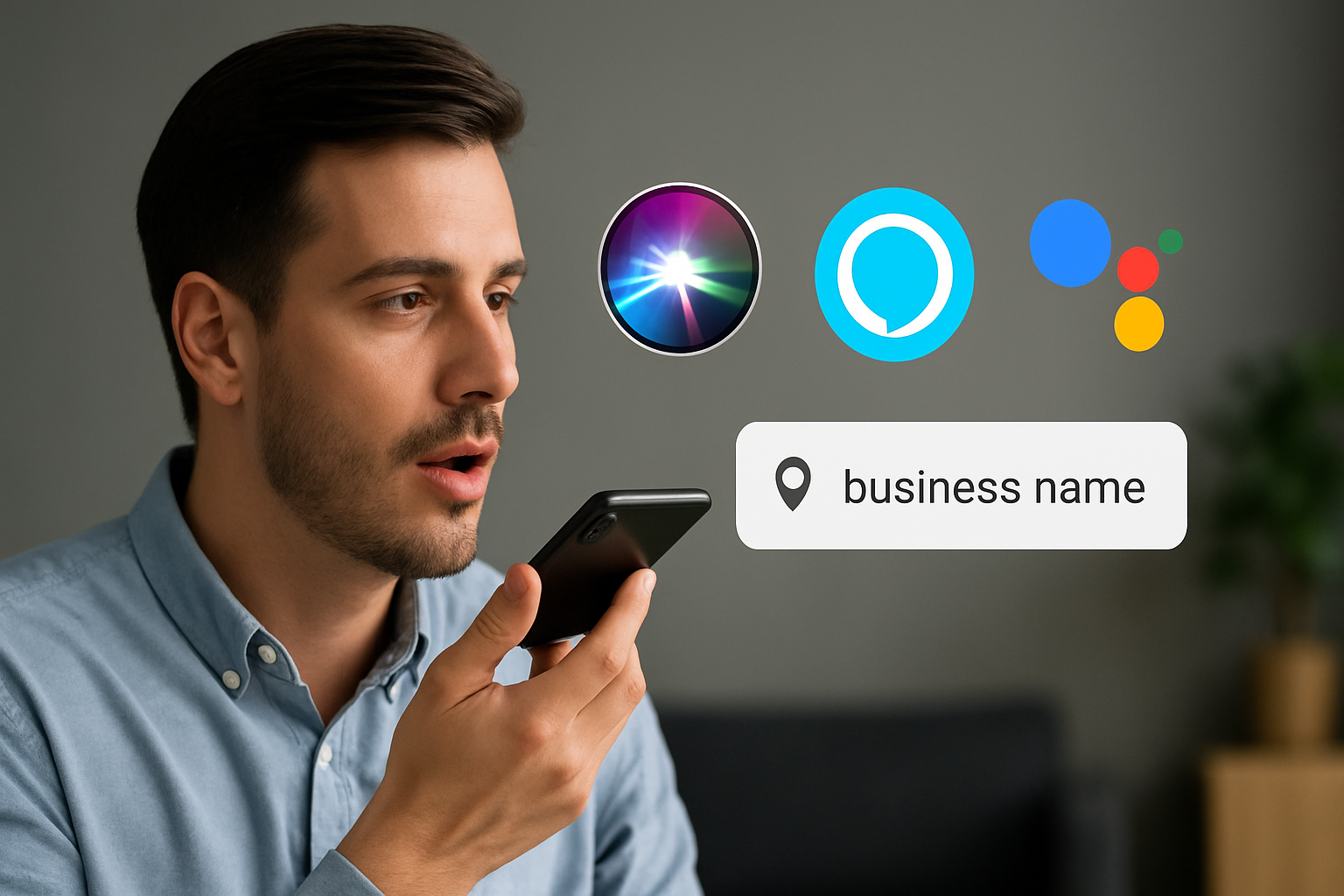
You’ve tweaked your website. Maybe you’ve got a Google Business Profile that’s halfway decent. Heck, you might even be experimenting with ChatGPT or Gemini to help with your content.
But here’s the kicker:
If someone says, “Hey Siri, find a [your service] near me,” there’s a good chance your business never makes the cut.
Voice search isn’t just for fun facts and kitchen timers anymore. It’s how people are making real-world decisions — on the spot. Whether they’re looking for a plumber, a therapist, or a copywriter, smart assistants are becoming the go-to gatekeepers.
And if you’re not optimized for voice, you’re not even in the conversation.
This isn’t about chasing shiny objects. It’s about visibility where it actually matters. More than 50% of local mobile searches now happen through voice. Yet most small business websites are stuck in “desktop Google mode” — and totally invisible to Siri, Alexa, and Google Assistant.
Let’s fix that.
A few years ago, showing up on Google meant you had a shot. Today? You’ve got to be speaking the same language as the smart assistants — literally.
Here’s what’s shifted:
Most small business websites aren’t built to answer those questions directly — which means voice assistants just skip over them.
If your content isn’t conversational, your listings are inconsistent, or your site lacks structured data… you’re invisible in the moments that matter most.
If you’re still on the fence about voice search being a “thing,” let these numbers sink in:
That means your local competitors with clean listings and conversational content are winning — not because they’re better, but because their data makes sense to Siri.
Here’s the frustrating part — your Google listing might look solid. Your website might be ranking for a few keywords. But when someone speaks into their phone?
You’re nowhere to be found.
Your business is technically online, but Siri, Alexa, and Google Assistant keep suggesting 3 other places before they even consider you.
Even worse — they might not mention you at all.
That means you’re being skipped over in real-time, high-intent decisions. Voice search isn’t casual browsing. It’s “find it fast, go there now” urgency.
When you’re invisible to voice assistants, you’re invisible to those buyers.
The good news? This is totally fixable. You don’t need a full rebrand or fancy SEO campaign — just these 3 essentials:
If Siri can’t read it, she won’t recommend it. Plain and simple.
You don’t need a tech team or a six-figure SEO budget to fix this. You just need to focus on what voice assistants actually use to decide who gets shown.
Most business sites sound like robots trying to impress other robots. Voice assistants reward businesses that sound like real people helping real people.
Update your content to answer voice-style questions:
Use headings that look like questions and answer them in plain English. Bonus: This also boosts your chances of showing up in Google’s “People Also Ask” boxes.
Your NAP (Name, Address, Phone) must match across every platform. Start with:
Use a listings manager like YEXT if you want to make this fast and painless. (We can set that up for $49/mo inside Soar Portal).
Schema markup = structured data = what voice assistants love.
Add the following schema types to your site:
If you’re on WordPress, plugins like Rank Math make this easy. (That’s what we use when setting up sites during a Soar in a Month build.)
That’s the reality of the smart assistant ecosystem. Here’s what matters most:
Voice Assistant → Platform → Data Source
If your info’s messy or your site is silent to smart bots… they just move on.
| Voice Assistant | Platform | Primary Data Source |
|---|---|---|
| Siri | Apple Maps | Yelp, Schema, Your Site |
| Alexa | Bing | Bing Listings, Yelp |
| Google Assistant | Google Search | Google Business Profile, Schema |
Let’s boil it down:
This isn’t about chasing a trend. It’s about being discoverable when people are ready to act.
