Why 68% of Locals Don’t Trust Your Business — and How to Rebuild It

Mike Frausto
Marketing Content Strategist
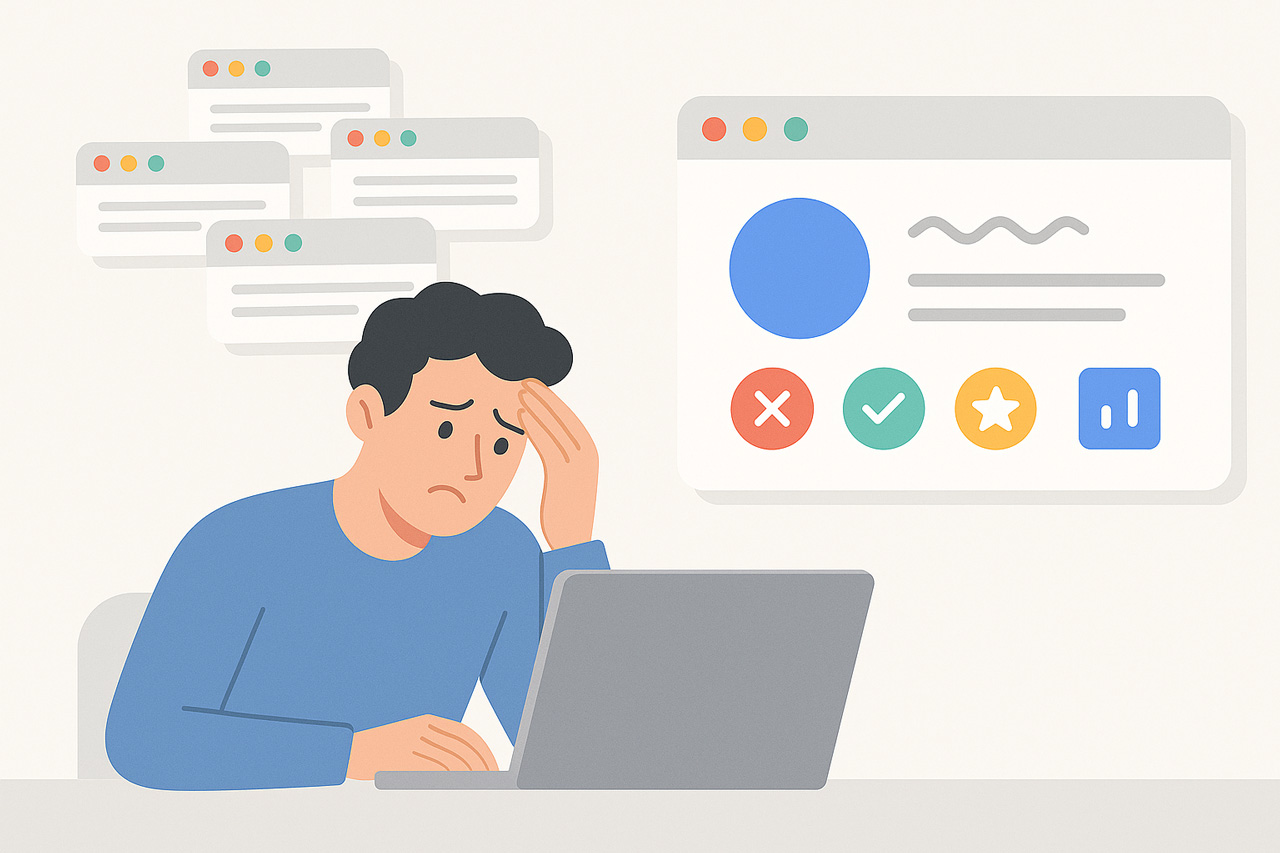
A man looking confused at his phone, reacting to a mismatched or incorrect local business listing

Published On

March 25, 2026

Category

Table Of Contents

You finally got a lead — but they showed up to the wrong address…

Or they called a disconnected number…

Or worse, they saw “Permanently Closed” on Google.

Embarrassing? Yep. Expensive? Definitely.

But here’s the real gut punch:

68% of people say they instantly lose trust when your business info is inconsistent online

Source: BrightLocal 2024 Local Consumer Review Survey

And that trust? It’s hard to win back.

If your Name, Address, or Phone (NAP) isn’t accurate everywhere — not just Google — you’re bleeding leads, rankings, and revenue.

But the good news? This is fixable. Fast.

Local SEO used to be simple: update your Google Business Profile and hope for the best.

Not anymore.

Today’s Reality:

  • People trust what they see in search results as fact
  • Google isn’t the only player — Apple Maps, Bing, Yelp, and Facebook all influence visibility
  • AI tools like ChatGPT and Gemini now pull info directly from your listings

That means if your data is off on one platform — it’s off everywhere.

What Google Now Prioritizes:

  • Accuracy and consistency across all major directories
  • Verified listings with matching NAP data
  • Business profiles that are active and responsive (e.g. replies to reviews)

And here’s the real kicker:

“Businesses with accurate listings appear in 2.7x more local searches.”

Source: Yext – The Power of Listings

Consistency isn’t just a nice-to-have — it’s a ranking factor.

Chart: Trust drops sharply as business listing inconsistencies increase — based on 68% of consumers losing trust after encountering inaccurate info.

Unaccurate NAP Data = Invisible Business

If your Name, Address, or Phone (NAP) is inconsistent across platforms, you’ve got a silent killer on your hands.

Symptoms to Watch For:

  • Customers say they “couldn’t find” you
  • Traffic drops even though your SEO looks fine
  • Calls or appointments go to an old number
  • Google Map directions send people to the wrong place

Real Example:

  • Google: “Open until 6 PM”
  • Yelp: “Closed at 5 PM”
  • Apple Maps: Leads to your old location
  • ChatGPT: Doesn’t mention you at all

When these conflicts exist, customers bounce fast — and Google lowers your rank.

“68% of consumers say incorrect business info kills trust instantly.”

BrightLocal – Local Consumer Review Survey 2024

That’s 7 out of 10 people you’ll never even hear from.

Trust Funnel: What Happens with Bad Listings

  • Inaccurate Listings → Confuse Customers
  • Confused Customers → Lose Trust Instantly
  • Lost Trust → No Clicks or Calls
  • Lower Engagement → Google Drops Your Rankings
How inconsistent business info leads to lost trust, clicks, and rankings.

Build Trust with Listing Sync Tools

You don’t need to fix 50 listings by hand — but you do need to make sure they’re right. Here’s how to clean up the mess and keep it clean.

1. Audit Your Listings

Use a trusted local SEO scan to check:

  • Google Business Profile
  • Bing Places
  • Yelp
  • Apple Maps
  • Facebook
  • And 40+ smaller but still influential directories

Recommended tools:

  • Yext
  • [Soar Portal with Yext integration]
  • BrightLocal scan tools
Tool Function Time Saved
Yext Scans and syncs 50+ listings automatically 10+ hours/month
Soar Portal All-in-one tool with listing sync and AI audit 12+ hours/month
Manual (DIY) Update each platform one-by-one 0 hours saved — time intensive
Comparison of tools to fix and sync business listings across platforms.

2. Correct and Sync Your NAP

Once the errors are spotted, fix them everywhere. You can either:

  • DIY: Manually update each directory (slow but possible)
  • DFY: Use sync tools that push the right info across all platforms automatically

Either way, your NAP (Name, Address, Phone) must be:

  • Exact match everywhere
  • Spelled consistently (e.g. “St.” vs “Street” matters)
  • Current and verified

3. Lock It Down with Ongoing Monitoring

Once fixed, use automated tools to:

  • Watch for future changes (some directories overwrite without warning)
  • Prevent duplicate listings from reappearing
  • Keep your info aligned with Google’s trust standards

Because “set it and forget it” doesn’t work with listings anymore.

If your listings aren’t consistent, they’re not trusted — by Google or your customers. The local SEO game has new rules, and they’re all about clarity and consistency:

  • Consistency = Trust If your Name, Address, and Phone Number (NAP) vary across platforms, trust plummets — fast.
  • Trust = Clicks, Calls, and Customers Clear, matching info builds confidence and turns views into action.
  • Every Listing Matters — Not Just Google Yelp, Bing, Facebook, Apple Maps, niche directories — Google checks them all.
  • Google Needs to Trust You First If your listings look sketchy or contradictory, Google lowers your rank automatically.

Think of every listing as a trust signal. The more accurate they are, the more Google believes you’re legit — and the more customers follow through.

Copyright ©2026  AI Guy Mike | All Rights Reserved

Stay Sharp in 60 Seconds a Week

Cookie Policy Privacy Policy Terms of Service

That’s all it takes to learn how to save hours every week.

Join the free Mike Minute newsletter and get one short, powerful tip every week.